
September updates: your own branding, your own calendar
Put your own logo and colours in front of your clients, get your bookings into the calendar app you already use, and choose how you export your strips.
A busy month. Two of the bigger requests we've had from photobooth operators are now live, along with a handful of smaller improvements. Here's what's new.
Make it yours: Huisstijl
Until now, the design page your clients use looked like Stripbuilder. Now it can look like you.
Turn on Huisstijl and your clients see your logo instead of ours, your brand colour on every button and highlight, and your company name in their browser tab. From the moment you send the link, it's your business they're dealing with — not a tool you happen to use.
Setting it up takes about a minute:
- Go to Settings → Company
- Switch Huisstijl on
- Pick your brand colour
- Save
Your logo comes from the company logo you've already uploaded, so there's nothing extra to prepare. One tip when choosing a colour: pick something with decent contrast against white. The editor builds its whole palette from that single colour, so a very pale shade makes buttons and labels harder for your clients to read.
Huisstijl is included in your subscription.
Your bookings, in your own calendar
You can now subscribe to your Stripbuilder bookings from whatever calendar you already live in — Google Calendar, Apple Calendar, Outlook.
Open the Calendar page and click Subscribe. You'll get a link, plus one-click buttons for Google and for Apple/Outlook. Add it once and your bookings simply appear alongside everything else in your week.
This is a live subscription, not a one-off import. Book a new event, move a date, change a location — your calendar picks it up on its own. There's nothing to re-import and nothing to keep in sync by hand.
A few things worth knowing:
- Booking requests that you haven't approved yet don't show up. Only confirmed work reaches your calendar, so it never fills with things you haven't said yes to.
- Your link is private. Anyone who has it can see your bookings, so treat it like a password. If it ever ends up somewhere it shouldn't, hit Regenerate and the old link stops working immediately.
- Calendar apps refresh on their own schedule. Most check every few hours; Google can be slower. If you need something visible right now, check Stripbuilder directly.
There's also a Download .ics option if you'd rather import your bookings once instead of subscribing.
Available on all plans.
Export as JPG or PNG
When you download a finished design, you can now choose the file type. You'll find a PNG / JPG switch in the download window, alongside the existing choice between a single strip and a print-ready sheet.
Which to pick:
- PNG — best quality, and keeps transparency. The right choice if your template doesn't have a full background, or if you're sending files to a print partner.
- JPG — noticeably smaller files. Handy for email, messaging apps, or anywhere size matters more than the last few percent of quality.
If you're not sure, PNG is still the default and still the safe answer.
Tips and updates, on your dashboard
Your dashboard's Tips & updates card is no longer a placeholder. It now shows our three most recent posts, so new features, seasonal tips and release notes turn up where you already work — no need to remember to check the site.
Smaller improvements and fixes
- Calendar subscriptions now work reliably. Some accounts got an error instead of their bookings when adding the link to a calendar app. Fixed — if you tried subscribing earlier this month and it failed, please try again.
- The subscribe buttons for Google and Apple/Outlook now work as intended, and there's a Download .ics fallback for calendar apps that are fussy about subscription links.
- Turning Huisstijl off now properly restores the default look in the client editor.
- JPG downloads now save with a
.jpgfilename rather than the wrong extension. - The download button now reads "Download design" instead of "Download PNG", since it's no longer only PNG.
- Clearer wording on expired or invalid client links. Clients used to be told to "contact your photographer". They're now pointed at their photobooth provider — you — which is both accurate and a good deal more useful to them.
- The confirmation your clients see after submitting a design now says the photobooth provider has received it.
- Dashboard layout fix on mobile, where a long update title could push cards wider than the screen.
- Settings → Company is now a single form with one Save button, instead of saving branding and company details separately.
Questions, or something you'd like to see next? Get in touch — a good part of this month's work started as an operator email.
More articles
Mid-October updates: a new look and bleed on export
The operator dashboard has been rebuilt around a calmer shell and simpler navigation, print-ready exports can now carry bleed for Breeze and DNP, and there's a yearly plan at €295.
New: the booking widget for your own website
No booking system? Now Stripbuilder is one. Put a single snippet on your site and clients book a free date, photobooth and extras themselves. Everything after that runs on its own.
Case study: from invitation to photo strip in 6 minutes
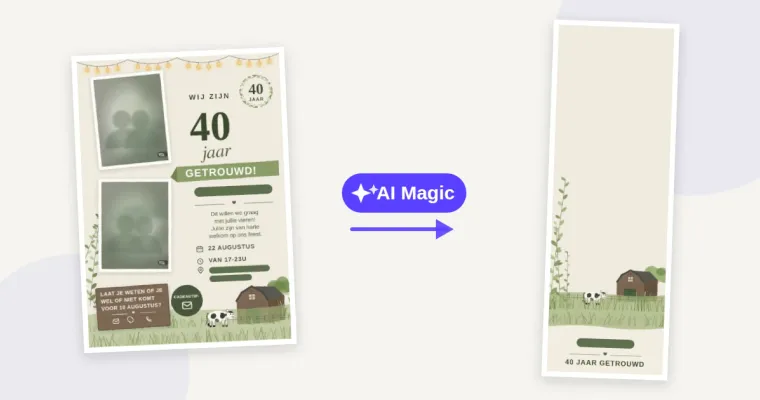
The client had one file: a JPG of their invitation. No working file, no separate illustrations and no original background. The photo strip still had to match it - with AI Magic that took about six minutes.